Pregnancy Test Inverter
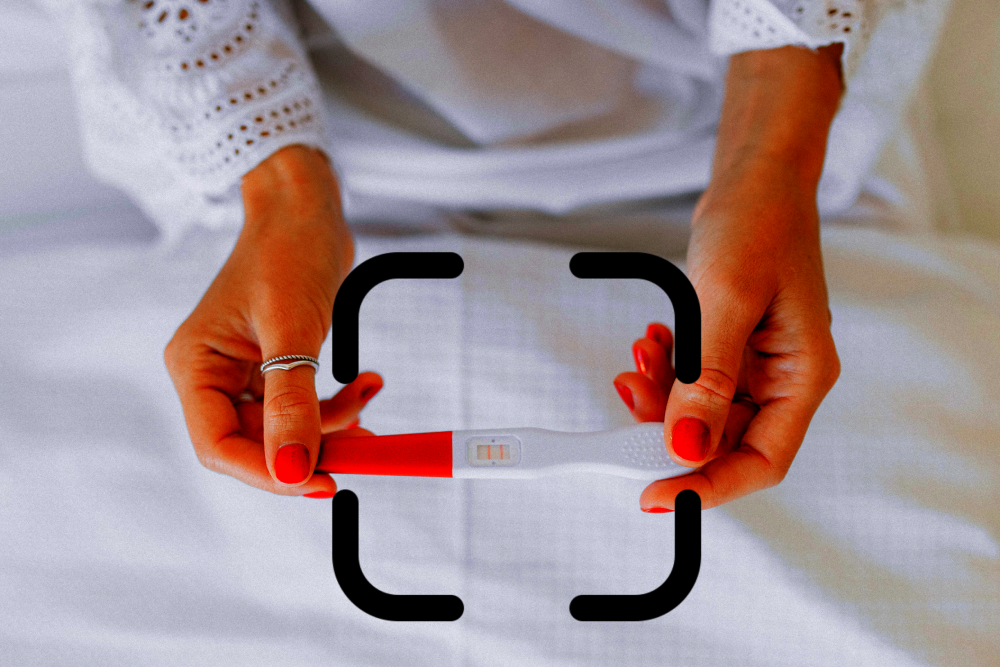
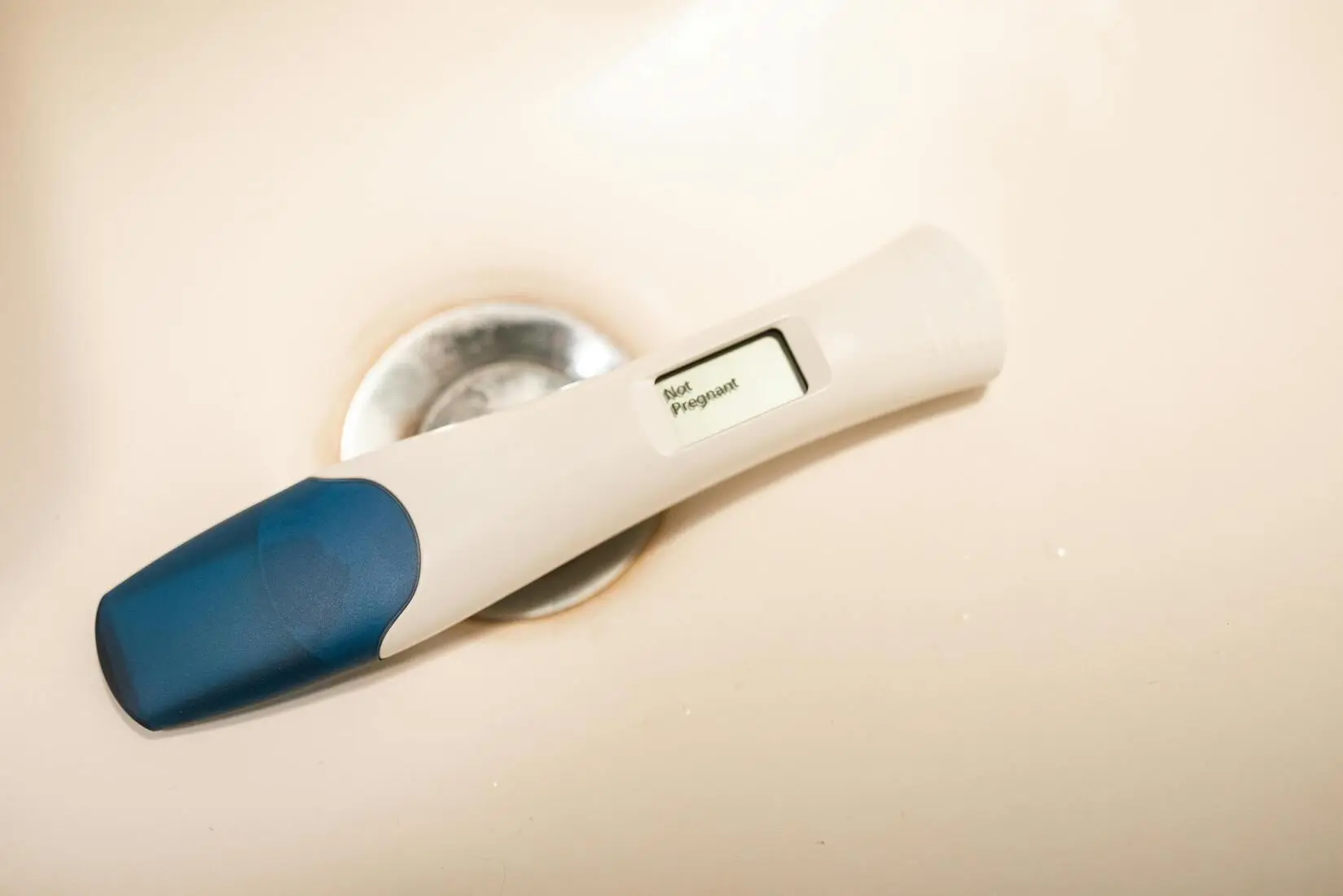
Upload a photo of your pregnancy test and instantly invert the colors to reveal barely-visible faint lines.

What Is a Pregnancy Test Inverter?
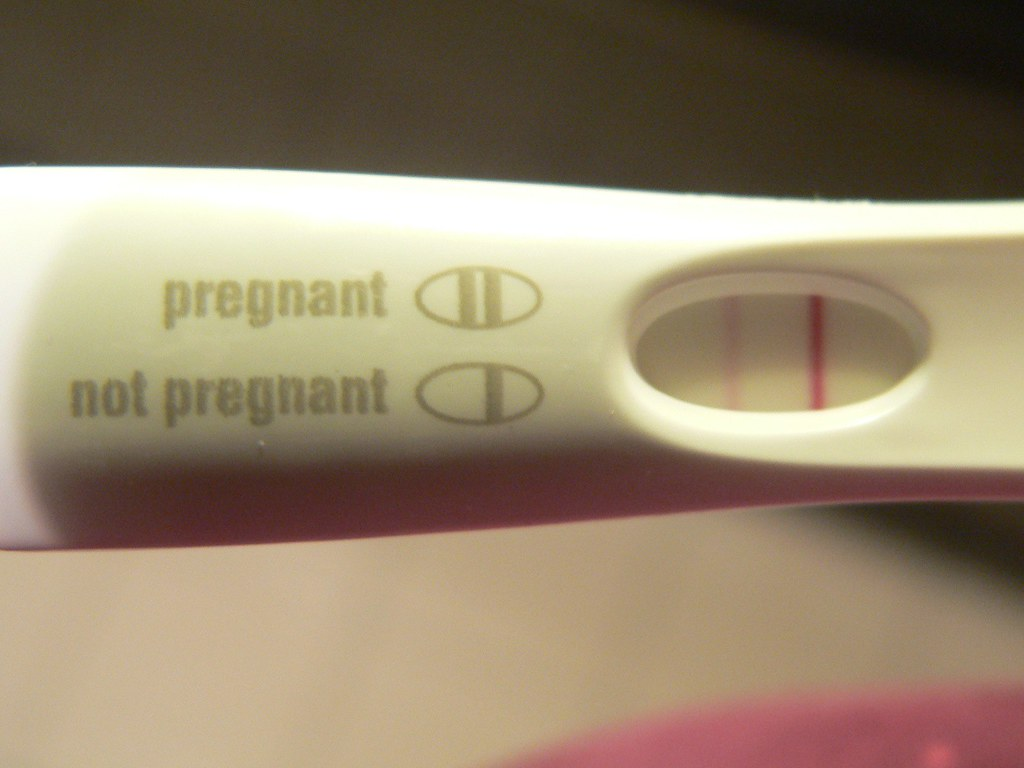
A pregnancy test inverter is a photo tool that flips every color in your image to its opposite. White becomes black, red becomes cyan, and — most importantly for pregnancy tests — a barely-visible pink line becomes a bright teal or green line against a dark background. Your eye is far more sensitive to contrast between bright and dark than to subtle pink-on-white differences, which is why inversion is a popular technique in the "TTC" (trying-to-conceive) community for double-checking a suspected very faint line.
This tool inverts your photo using your browser's built-in HTML5 Canvas — the same technology your phone uses to display photos. No processing happens on our servers. There is nothing to upload, sign up for, or install.
When Inversion Actually Helps
Color inversion is most useful when:
- You see something on the test but can't tell if it's really there. A real faint positive will stand out clearly after inversion.
- The lighting in the room is uneven. Inversion normalizes shadows and reflections that might be hiding a line.
- The test is a pink-dye test (First Response, Clearblue Early, Walgreens Early Result). Pink dye inverts to a highly-visible teal.
- You're comparing to yesterday's test. Inversion makes it easier to see whether a line is getting darker across days.
When Inversion Won't Help (or Can Mislead)
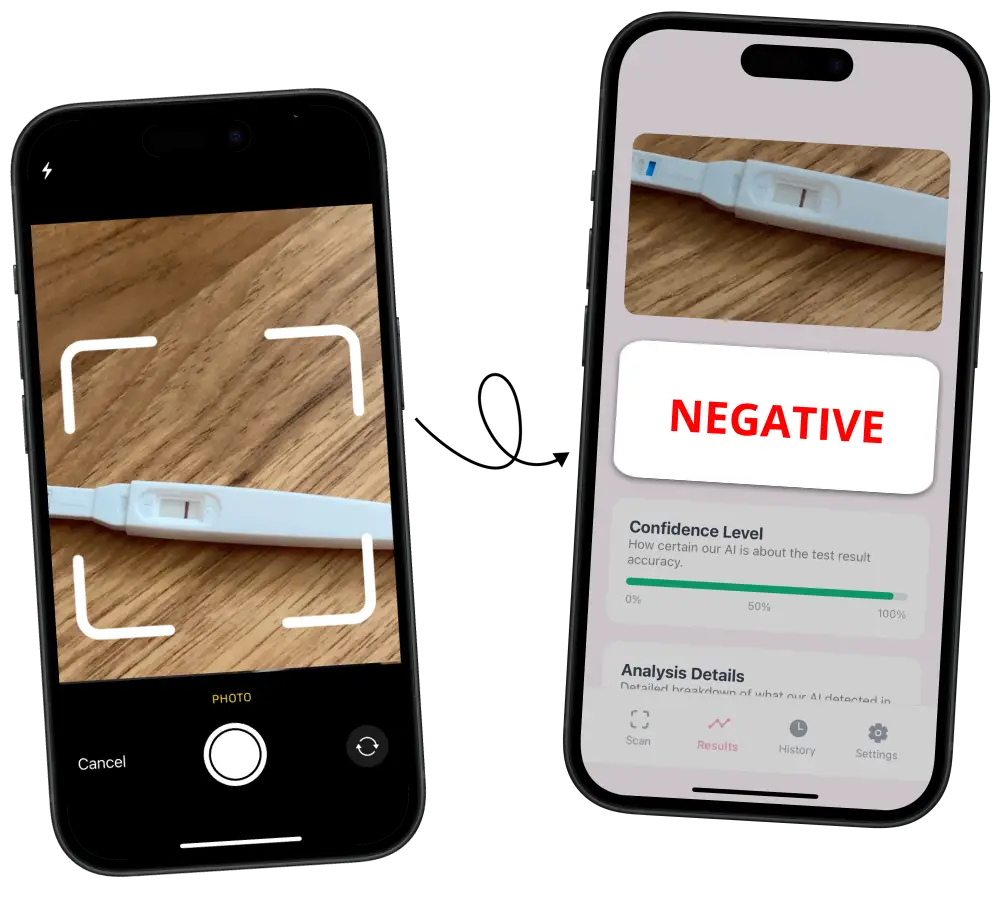
Inverting a photo does not add hormone or create a line that isn't physically there. If nothing shows on the original test, nothing will appear after inversion either — the tool cannot detect pregnancy, only reveal what your eye may have missed. For a verdict on the line itself, our pregnancy test checker analyzes the photo with AI.
Inversion can also make evaporation lines, indent lines, and dye pooling look like real positives. To keep results reliable:
- Take the photo within the manufacturer's read window — usually 3 to 5 minutes after the test is run.
- Use natural daylight or a bright, even room light. Avoid direct sunlight and phone flash.
- Photograph the test flat against a white background, not held at an angle.
- Focus on the result window — a blurry photo will invert to a blurry photo.
How to Read an Inverted Pregnancy Test
After inversion, look for a solid, evenly-colored vertical line in the test region that runs the full height of the strip. A real positive will look like a clean stripe. Watch out for:
- Broken or patchy lines — often an evaporation line or a dye smudge, not a true positive.
- Colorless white lines (in the inverted image) — usually indent lines from the test's plastic housing.
- Diagonal or offset lines — not real test lines; check that your camera was straight on.
If you're still uncertain after inverting, our AI Pregnancy Test Checker app runs a deeper analysis on your image and gives you a probability rating. For related reading, see our guides on why some tests read negative at night and positive in the morning, testing 6 days before your period, and the Walgreens Early Result faint line.
Privacy & Security
Photos of pregnancy tests are sensitive. That's why this tool is built to never touch our servers:
- Your image is loaded with a local
object URLand rendered directly by your browser. - The inversion runs on your device's HTML5 Canvas, the same way your photo app applies filters.
- Nothing is uploaded, saved, cached remotely, or logged. You can verify this by turning off your internet after the page loads — the tool still works.
- When you click "Try Another Photo" or close the tab, the image is released from memory immediately.
- No third-party analytics ever see your photo — only anonymous page views are tracked, the same as any other page on this site.
Frequently Asked Questions
What is a pregnancy test inverter?
It is a photo tool that flips every color in your image to its opposite. On a pregnancy test photo, this makes a barely-visible pink or gray line stand out clearly as a bright teal or green line against a dark background.
Does inverting a pregnancy test photo actually work?
Yes — inversion makes real faint positive lines easier to see because your eye is more sensitive to bright-vs-dark contrast than to subtle pink-on-white differences. However, inversion cannot create a line that is not physically on the test.
Is my photo uploaded to a server?
No. This tool runs entirely inside your browser using HTML5 Canvas. Your image is never uploaded to us or any third party, and nothing is stored or logged. You can verify by disconnecting from the internet after the page loads — the tool still works.
What image formats work?
Any format your browser can decode: JPG, PNG, WEBP, HEIC/HEIF on Safari, and GIF. Maximum file size is 10 MB.
Can an inverted image confirm a pregnancy?
No. Inversion is a visual aid, not a diagnostic tool. Only a positive result on a real test within the manufacturer's read window confirms pregnancy — and even then, a blood test or clinical exam is the definitive confirmation. Be aware that evaporation and indent lines can also become visible after inversion.
What is the difference between a faint positive and an evaporation line?
A faint positive is a pink or blue line (depending on the test) that appears within the manufacturer's read window, usually 3 to 5 minutes. An evaporation line appears after that window and is typically colorless, gray, or thin. Inversion can make both types of lines visible, so timing when you take the photo matters.